
Aider adds terminal pair-programming guardrails for coding teams
Aider helps teams apply AI coding suggestions in real repositories while keeping git workflow, review habits, and model costs visible.
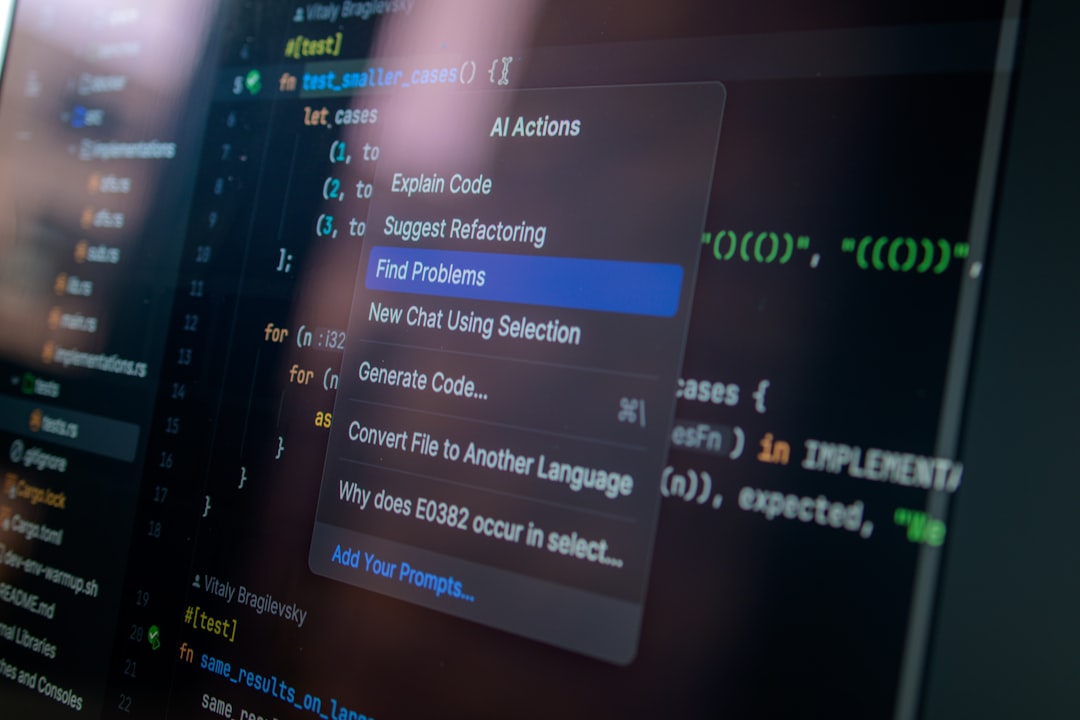
At two in the morning, you are fixing a production bug, and the stack trace touches files you edited last week. The change feels small, but after a dozen command-history hops you are no longer sure which snippet was safe. That is exactly the moment when a coding assistant can be useful if it is careful with context and not only fast with guesses.
For many teams, Aider earns attention because it sits in this exact gap. It is an open-source terminal tool that helps you make edits against a local repository with AI support. It is not a magic button. It is a layer that keeps you in your shell while giving you guardrails around context, diff visibility, and model choice.
What Aider changes in everyday coding
Most terminal assistants ask for code snippets and return large guesses. Aider is more explicit about project context. You connect it to a repo, and it can see the files you point to. You can then ask for edits that are grounded in those files rather than disconnected suggestions. That matters when your task touches many places, because context quality is usually the difference between a good suggestion and a frustrating one.
For people who live in terminal workflows, this is the core advantage. You do not need to move every task into a separate dashboard. You continue with commands and patches, but you gain a companion that can propose changes based on a scoped section of your codebase.
Where it tends to work best
Use Aider when your work has a focused local scope. For example, your team may already use lint checks and branch discipline. Aider can help draft a refactor across a few files, suggest a cleanup patch, and generate review-friendly diffs. It can also support routine chores like test updates, adding docs, or small API contract adjustments.
Because it stays repo-aware, it fits best with workflows that already run tests, linters, and review. If you are writing throwaway scripts, the value is lower. If you are shipping real code, and you already care about review traceability, its behavior aligns better.
Setup and model control
From an operational perspective, there are two choices that matter: install path and model path. Aider supports multiple model providers and local options, so the same tool can serve teams who need speed and teams who need privacy. The project is designed for operators who want to swap between providers without changing core workflow.
The official docs list install and configuration options for your platform, then walk through command usage and model setup. If your team already tracks provider credentials and rate limits, Aider gives you one place to apply that policy in practice instead of hand-building custom scripts for each assistant session.
If this is your first run, treat it like any other integration: run it on a small branch, keep changes tiny, and review every generated diff before commit. The terminal output is fast, but your code quality still depends on your review habits.
Aider in a real workflow
Imagine three repeatable use cases.
- Bug triage: A bug spans a request handler and a test fixture. You point Aider at the relevant files, request a narrow fix, and validate with your existing test command before committing.
- Documentation sync: You changed behavior in code and need a short README update. Aider can generate aligned wording, then you edit for tone and facts. This saves the copy-edit pass from becoming the bottleneck.
- Repository cleanup: You want to consolidate duplicated logic in a small module and maybe add a helper. Aider can draft candidate diffs, which you can then prune before committing.
In each case, the value is not "AI writes all the code." The value is a faster first draft that is still anchored to your repo structure, your branch, and your review flow.
Strengths and limits that matter
One strength is speed. You can move from idea to suggested diff quickly, and if your team already has good test commands, you can close the loop fast. Another strength is provider flexibility. That allows experimentation with different models without replacing your process.
The limits are equally important. Aider can still output noisy patches. It can overreach in broad requests. It can also create diffs that look clean but miss edge cases. As with any AI helper, trust comes from iteration: keep prompts small, provide precise scope, and never skip local validation.
A second limit is that it can feel strict if you expect chat-like creativity and no friction. That is intentional. If you want a high-context natural language assistant, you can still use one. If you want dependable terminal coding support, this tradeoff is often worth it.
Costs, privacy, and ownership
Because Aider itself is a tool you run in your workflow, pricing is mostly the cost of underlying model usage, if any, plus your own compute choices. If you use cloud models, costs follow provider usage. If you use local models, compute becomes local. This can be an operational advantage for teams with strict privacy needs.
Another ownership point is output safety. You remain responsible for review, licensing checks, and final correctness. Aider can produce excellent scaffolding, but your existing pull request and commit practices should remain the line of defense.
Who should and should not try it
Aider is a good fit if your team:
- already uses git and terminal workflows daily,
- wants AI suggestions that stay close to repository context,
- and is comfortable reviewing diffs before merge.
If your team needs heavy IDE integration first, or you do not want any terminal-first tooling, evaluate alternatives first. If your pain is mostly small text editing inside one file, a direct UI assistant may feel smoother.
Alternatives without losing perspective
The Aider GitHub repository keeps this project under active development, with transparent changes and issue history. Still, it is wise to test alternatives on your own stack. GitHub Copilot can suit teams with existing GitHub automation. For open-source-first teams, OpenAI Codex CLI is another nearby option.
If you are already moving most AI coding to the terminal, Aider is worth a serious test run because it combines repo context with explicit patch output. That combination can reduce context mistakes and keep your review rhythm intact.
The right question is simple: does this tool help your team ship dependable edits faster, or does it add noise? If the answer is the first, start with a small branch and one narrow task. You will know within a few iterations.