
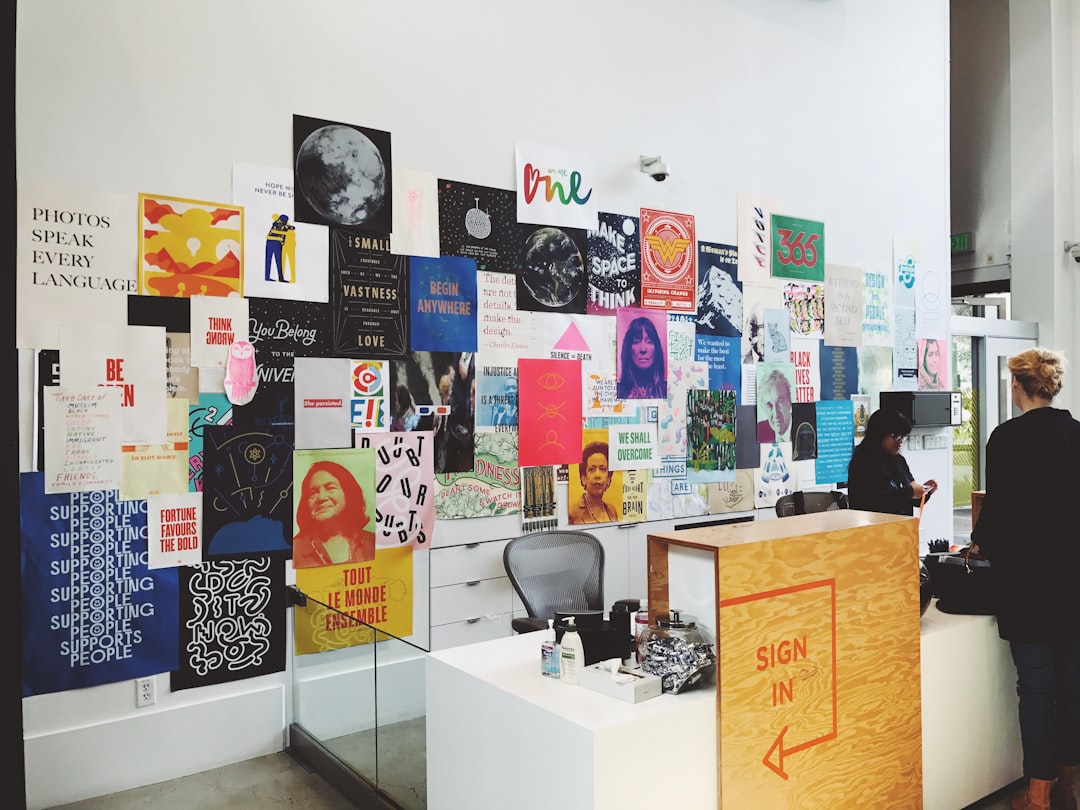
How to Rescue a Blurry Event Flyer Without Making the Text Weird
A fast rescue workflow for blurry flyers that protects event details, keeps logo and text truthful, and gives you publish-ready versions for web, social, and email.
Read articleInsights
Thoughtful articles, clear explainers, and useful updates to help readers make informed decisions.
55 articles found
A fast rescue workflow for blurry flyers that protects event details, keeps logo and text truthful, and gives you publish-ready versions for web, social, and email.
Read article
People ask about 300 PPI as if it were a religion. The answer is simpler: it is a useful starting point, not a universal law.
Read article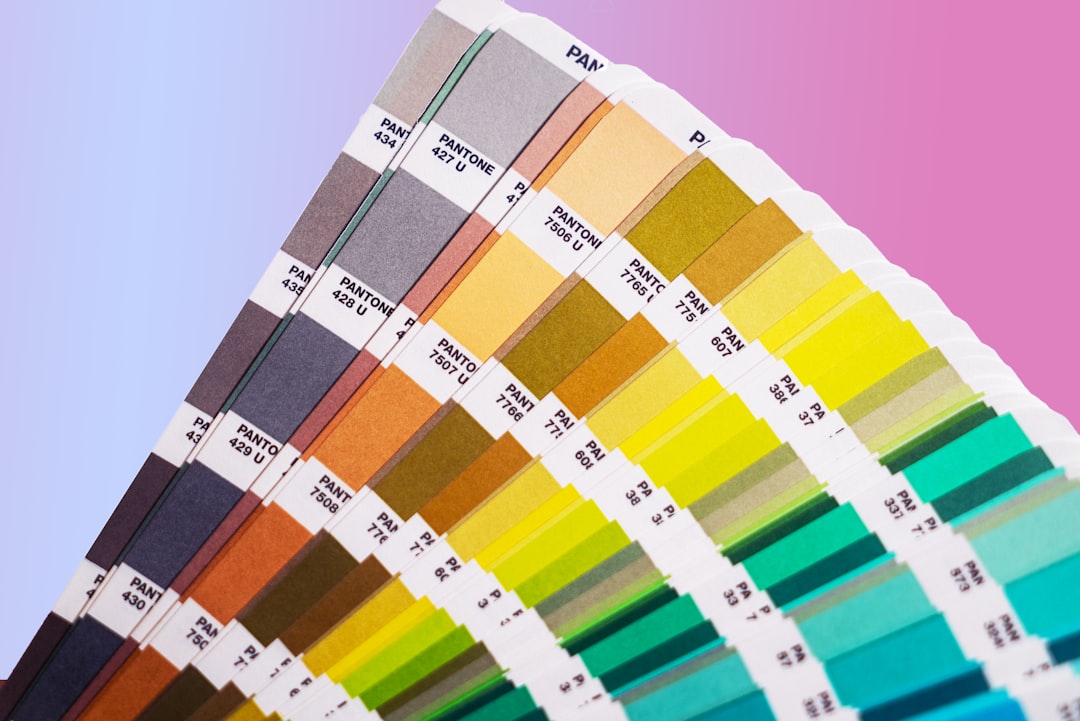
Learn how to keep web and print image goals separate so upscaled visuals remain sharp and trustworthy in both screen and physical output.
Read article
Print has a different gravity than screen. A file that looks okay in a browser can still look disappointing in a framed print, especially if it starts from a small or noisy source.
Read article
Upscaling works best when it is treated like a short image-prep workflow, not a magic button.
Read article
How to make logo files clearer without overprocessing, with simple checks for quality, file size, and real-world use.
Read article
Customer-facing image polish notes for profile pictures: better source files, calmer upscaling, and smarter final exports.
Read article
Customer-facing image polish notes for creator thumbnails: better source files, calmer upscaling, and smarter final exports.
Read article
Nobody opens an image tool hoping to create a mystery blob with fancy edges. The goal is simpler: make the useful parts easier to see, keep the image honest, and end up with a file that feels ready for the job.
Read article