
Web-Ready Upscaled Images: Keep Sharpness and Speed in Balance
Learn practical web-performance habits for upscaled assets, from format choices to srcset and lazy loading best practices.
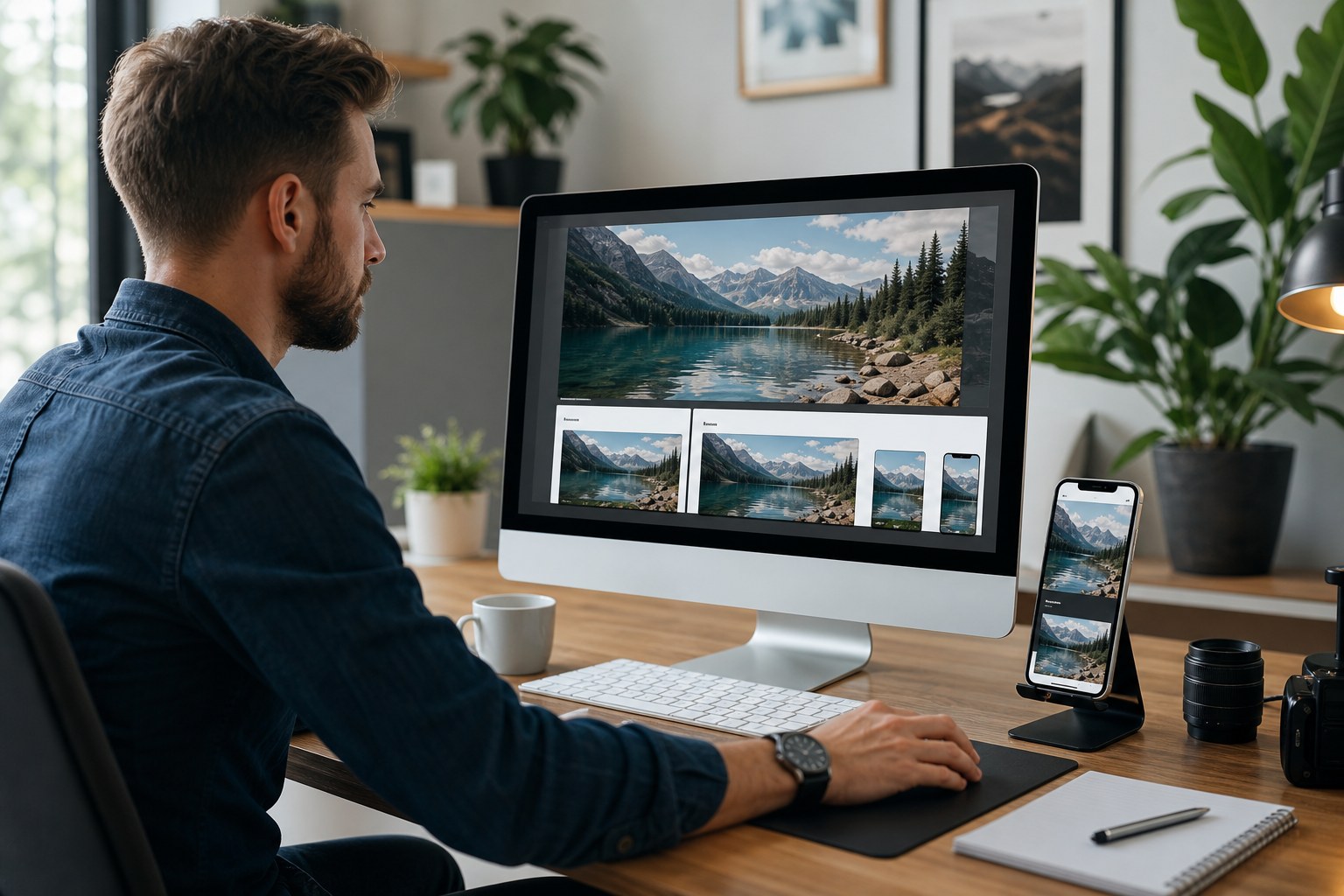
Everyone wants sharper images. Nobody wants slower pages. This post is for teams who learned that tension the hard way and still want a clean checkout path.
When you push upscaled images into a site, file size can rise quickly. Bigger files are not automatically evil, but they must justify the extra bytes. If an image block gets too heavy, your page can lag, scroll positions may jump, and search performance can dip.
That does not mean we stop using upscaled visuals. It means we pair them with sensible format and delivery choices. Modern browsers can switch formats automatically when possible, which means you can keep quality on supported browsers and still provide fallbacks where needed.
Start with format by use case, not by habit
JPEG remains a practical choice for photos in many legacy setups. WebP and AVIF can provide better compression while preserving visual quality in many cases, which helps especially on galleries and cards that include many images.
PNG still helps when sharp graphics, transparency, or line art are needed, but it can carry a bigger cost for rich photos. If your image is mostly photographic, test photo-first formats first and keep PNG for exact cases. If there is transparent overlay work, run that as a separate asset so the transparent needs do not force every image to be heavy.
For teams that own both design and product publishing, a useful pattern is this: keep a high-quality master, create web versions per context, and use srcset with device-specific size hints. Browsers then pick a near-perfect variant automatically. This reduces wasted bandwidth without lowering visual clarity.
How browsers choose what to download
When you provide width variants, browsers can choose files that match current display size. The practical result is simple: nobody downloads a giant file for a tiny card, and nobody sees a blurry tiny file stretched into a banner.
For large photos, include a clear set of source widths that map to your actual layout breakpoints. If your page has a 320px mobile card, a 1200px desktop hero, and a 768px mid-size preview, provide matching variants. That simple discipline can prevent over-delivery.
Think of it as serving coffee in different mug sizes. You would not give espresso to someone waiting for a latte at home, and your browser should not fetch a giant image when a thumbnail will do.
Performance-aware lazy loading
Use browser-level lazy loading for image-heavy pages, but skip it on above-the-fold hero visuals. If your first visible image waits to load, users notice. The best setup is usually a mix: eager load the first meaningful visual assets and lazy load deep scroll content.
Also keep an eye on cumulative layout shift. Reserve space for images so late-loading content does not push text around. This is one of those details that affects both user trust and performance scores. A clean layout jump is a big comfort boost for visitors.
Automation that keeps quality in sync
For repeated launches, manual exports quickly drift. Use a simple naming and processing plan: source file hash, target output width family, format variant, and destination tag. Then you can batch produce images while still keeping a quick audit trail. If performance dips, you can trace each file family back to the original choice.
Here is a compact workflow pattern:
- Start from a clean source and set a target visual size for each page block.
- Generate 2x, 3x, or 4x outputs only where needed for that destination.
- Create format variants (JPEG/WebP/AVIF where useful).
- Attach
srcsetplussizesin the template. - Test with real device profiles before publishing.
Avoid a second mistake: generating too many variants at once. Too many near-duplicate widths can be as costly as too few, because each extra file increases cache complexity and CDN miss risk.
Measure the right thing before changing settings
When a page looks slow, do not start by dropping quality first. Start with a tiny audit: how big are your hero variants, how large is the gallery payload, and which templates force repeated downloads. Often the fix is one layout block and one format mix-up, not a full rebuild.
Use a practical "before and after" checklist in staging with throttled network, then compare these three outcomes: time to first paint, largest image dimension actually used, and perceived sharpness in typical mobile and desktop zoom. If visual clarity stays, but payload drops, the change is usually safe.
If one format variant performs poorly on older browsers, keep it simple and keep the robust fallback. Better to have a slightly larger but reliable file than a super-lean format that breaks real users.
The web image strategy that lasts is methodical. You do not need an aggressive plugin or one giant recipe. You need repeatable checks and a clear link between source, destination, and delivery.
That is what keeps upscaled imagery fast, readable, and useful across every page your audience actually opens.