
The most common upscaling artifacts and how to fix them before launch
Artifact conversations usually begin with one phrase: it looked good in one preview and strange in final.
Read articleInsights
Thoughtful articles, clear explainers, and useful updates to help readers make informed decisions.
55 articles found
Artifact conversations usually begin with one phrase: it looked good in one preview and strange in final.
Read article
People usually ask this in the same sentence: it is sharper, yes, but it looks fake. I call this the uncanny thumbnail problem.
Read article
A destination-first guide to selecting 2x, 3x, or 4x settings with fewer retries and better results.
Read article
An easy explanation of why upscaling can hurt text and logos, and the practical workflow to keep sharpness without fake-looking details.
Read article
How to make document scans clearer without overprocessing, with simple checks for quality, file size, and real-world use.
Read article
Customer-facing image polish notes for travel photos: better source files, calmer upscaling, and smarter final exports.
Read article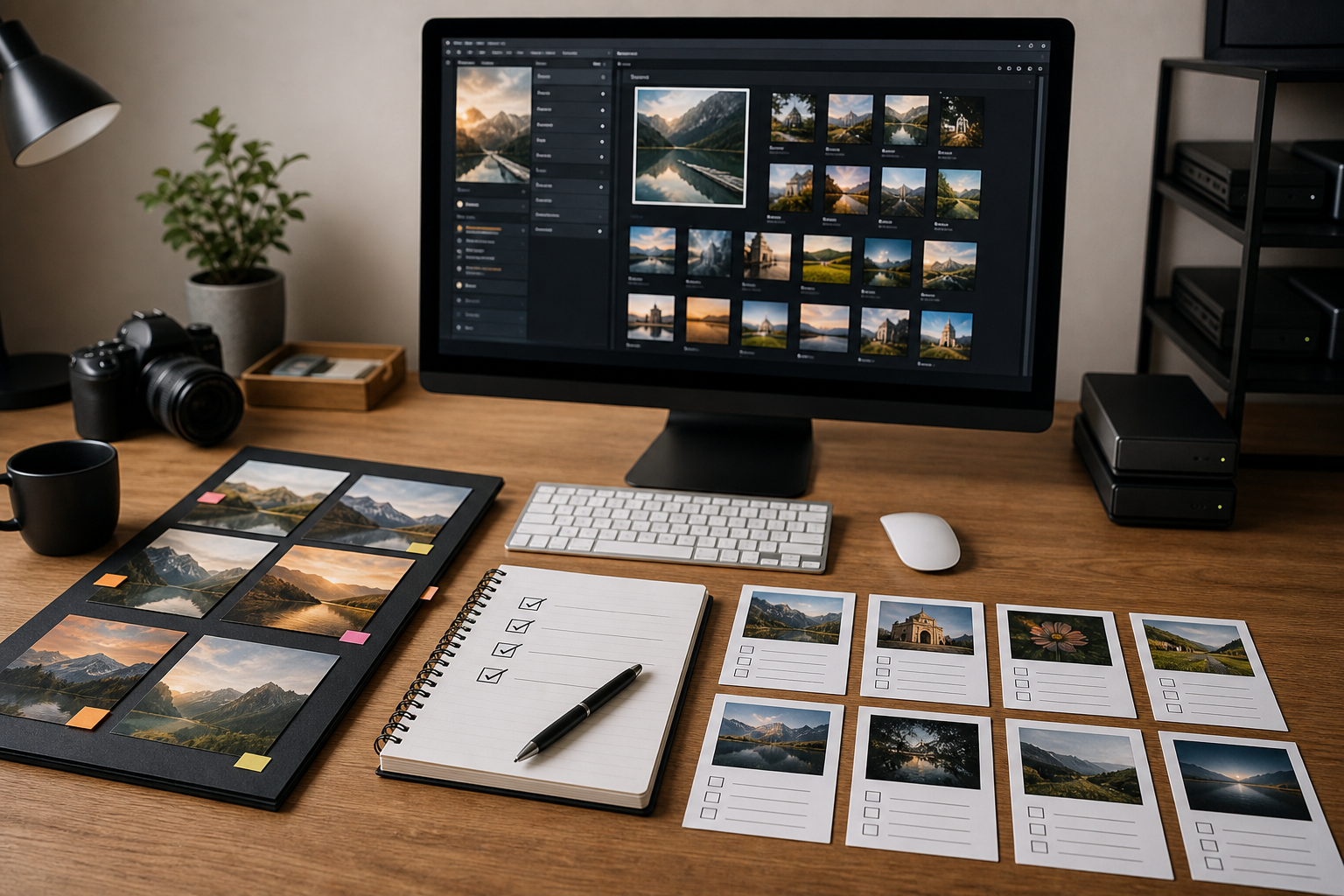
A cleaner image should not look like it joined a gym overnight and came back with plastic skin.
Read article
Upscaling works best when it is treated like a short image-prep workflow, not a magic button.
Read article
Nobody opens an image tool hoping to create a mystery blob with fancy edges. The goal is simpler: make the useful parts easier to see, keep the image honest, and end up with a file that feels ready for the job.
Read article